For restaurants & cafés

QR ordering.
One-time licence.

Give guests one QR code to browse, order and pay. We start with Syrve. For any other POS we first check access together with you; you pay only after it is confirmed.

AED 2,490 once for one location, including VAT

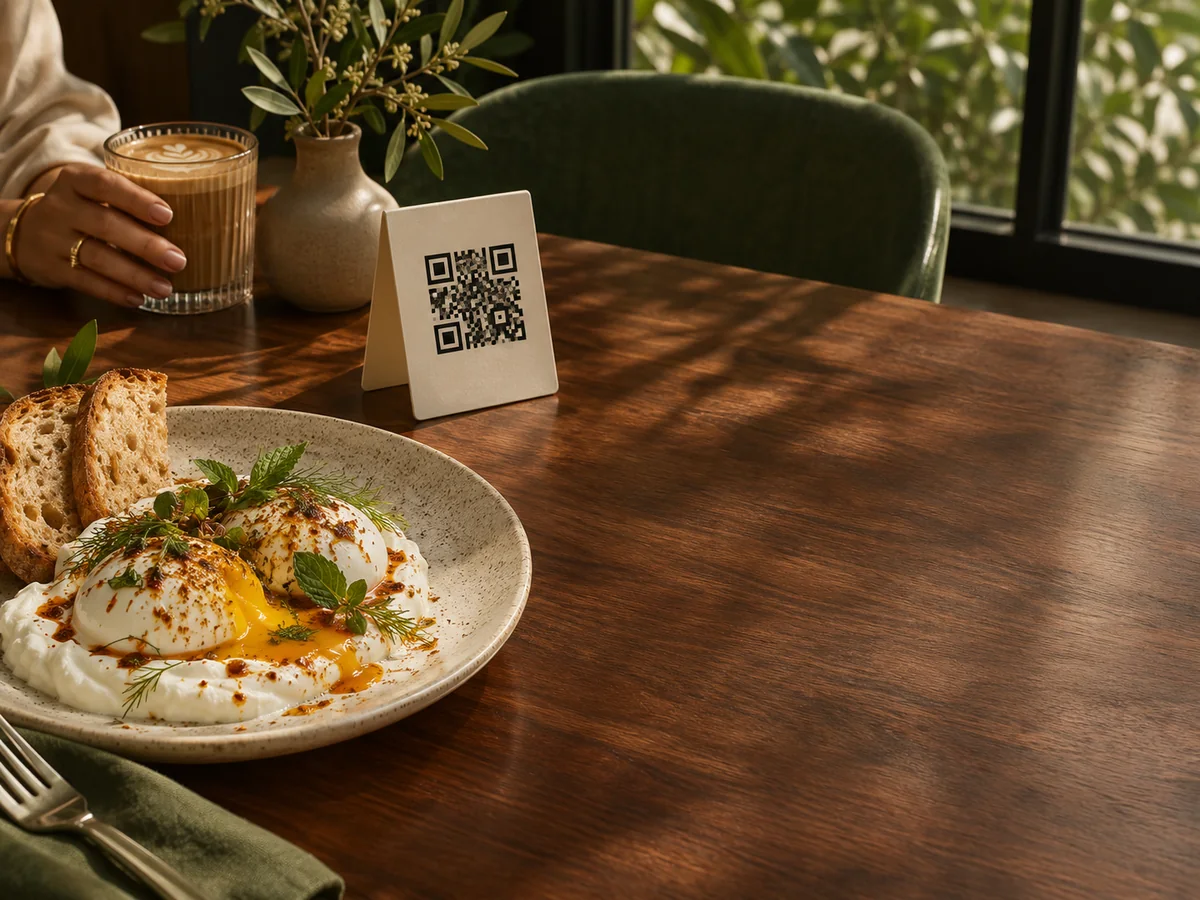
A QR table card beside breakfast at a sunny bistro
Payment completeSample bill · Table 08
Total paidAED 150.00
0% OwnTab commissionTake payments through your own Stripe account.
Syrve firstWe check access before you pay.
No software subscriptionHosting and card processing are paid directly to Railway and Stripe.

What could you save?

Compare the one-time licence with the fees you can replace.

AED 150 a month is an example. Enter the fee you would stop paying.
Railway Pro is USD 20 a month per workspace, plus usage. This example counts one workspace per location; enter less if your locations share one workspace.
Leave 0 if guests already pay by QR through a provider whose card fees are similar to Stripe's. If guests would move from your card terminal to QR payments, Stripe's 2.9% + AED 1 per payment usually costs more: for example about AED 1,540 more a month on AED 60,000 in 1,000 payments, compared with a 2% terminal rate.
POS plan costs
AED 0 is an example. Connecting Syrve may require a plan with API access. Enter the difference in monthly cost if your plan changes.

Estimated first-year savings

−AED 1,571
Saved per month
AED 77
Licence payback
32.5 months
Saved over three years
AED 266
One-time licence (including VAT)
AED 2,490

At these costs, the licence would pay back between one and three years.

Card fees count only if you enter them.

Replace the example fees with yours. Licence prices include VAT. The hosting and card-fee examples are based on provider list prices. VAT may apply on top. The estimate assumes one licence payment and steady monthly costs. Separate setup charges are excluded.

One QR for the whole table.

Guests browse, order and pay from their phone. Your team controls what’s on the menu and how it looks.

Interactive demo
9:41
Olive & OakTable 08
All day menu

Herbed eggs

Soft eggs, whipped labneh, toasted sourdough.

AED 58Available

What’s in the licence

The guest experience, the menu editor and the tools your team uses during service.

For your guests

  • One table QR opens the menu, ordering and the bill.
  • Choose dish options and request removals where the POS allows them.
  • Pay the full balance and leave an optional tip. Splitting by dish depends on your Syrve setup and is confirmed when we connect it.
  • Browse in English, Arabic or Russian.

Make the menu yours

  • Edit dish names, descriptions and translations. Reorder categories or hide items.
  • Add up to six photos and one short video per dish.
  • Choose your logo, cover photo or video, and one of 16 themes.
  • Update your featured offer, contact details and links.

For your team

  • Print and manage a separate QR for every table.
  • Sync prices and availability from the POS.
  • Open new orders or add to the current POS bill.
  • Track orders, payments and POS exceptions in the staff dashboard.

We tested the Syrve connection on our own simulator of the Syrve API and tested payments in Stripe test mode. We’ll make the first live Syrve connection together with the first restaurant.

Compare the features

How OwnTab compares with three UAE options for dine-in ordering and payment.

Scroll across to compare all providers.

Feature OwnTabOne-time licence qlubOrder & Pay + Pay-at-Table FortisTable Pay ScanlyRestaurant plans
Guest experience
Table QR menuMenu in browserMenu in browserMenu in browserMenu in browser
Guest ordering & dish optionsOrder to Syrve · simulator-testedCustom orders with POS syncNot listedBuilt-in POS or Petpooja on Pro
Open bill & mobile paymentSyrve simulator · Stripe test modePOS billPOS bill · full Table PayBuilt-in POS bill
Split the billBy dish · confirmed when connecting SyrveBy item, equally or customBy item, equally or custom · full Table PaySplit available
Digital tipsOptional at checkoutOfferedOfferedOffered
Menu & venue tools
Editable menuNames, translations, categories & visibilityItems, prices & availabilityItems, prices & variantsOptions & availability
Branding & mediaLogo, cover, themes, photos & videoBranded menuMenu photosMenu photos
Tools for staffOrder, payment & POS statusOrder and payment alertsCash, tip & item reportsKitchen display & reports
Pricing model
Starting priceAED 2,490Once for one location, including VATPlus Railway Pro from USD 20 a month and Stripe processingBy quoteFrom AED 1,290Per year · with a Network International terminalAED 149Per month · Starter, 1 location and up to 5 tables

Vendor sources checked on 23 November 2026. “Not listed” means the vendor’s product page does not confirm the feature. Some features require a higher tier. Setup and card processing may cost extra. Vendor prices are shown as published; their pages do not say whether VAT is included.

Comparison sources

Buy it once. Use it every service.

One payment for the software.

One location

AED 2,490

Once, including VAT

  • Branded menu editor and table QR codes
  • Ordering, bill payment and optional tips
  • Staff dashboard for orders and payments
  • 0% OwnTab transaction commission
Chat on WhatsApp

Restaurant groups

5 locations
AED 10,490Once, including VAT
10 locations
AED 19,490Once, including VAT
Discuss your group

Your restaurant runs OwnTab in its own Railway Pro workspace and pays Railway directly from USD 20 a month, plus usage above the included amount. Your restaurant also pays Stripe processing fees and any POS fees separately.

A few details.

What do I buy?

A one-time licence for the version of OwnTab you buy.

Will it work with my POS?

We start with Syrve. Your venue’s Syrve plan may need API access. We check this with you before payment. For any other POS we first check access together with you; you pay only after it is confirmed.

Who handles the payments?

Your restaurant takes guest payments through its own Stripe account. OwnTab takes no percentage of your sales.